Build better slides,
faster.
PTiQ™ is a PowerPoint-native productivity add-in that helps professionals build clear, structured, consulting-grade slides with less effort.
Everything you need,
nothing you don't.
Every feature is built with consulting rigour - designed by practitioners, for practitioners.

Playbooks & Toolkits
Battle-tested consulting frameworks and structured toolkits - from stakeholder mapping to benefits realisation - ready to deploy on day one of any engagement. Each playbook is a complete, end-to-end deck written by senior practitioners who have shipped the work themselves. Drop them in, tailor the inputs, and you have a credible client artefact in hours instead of weeks.
- Due diligence playbooks
- Change management toolkits
- PMO setup guides
- Industry-specific frameworks
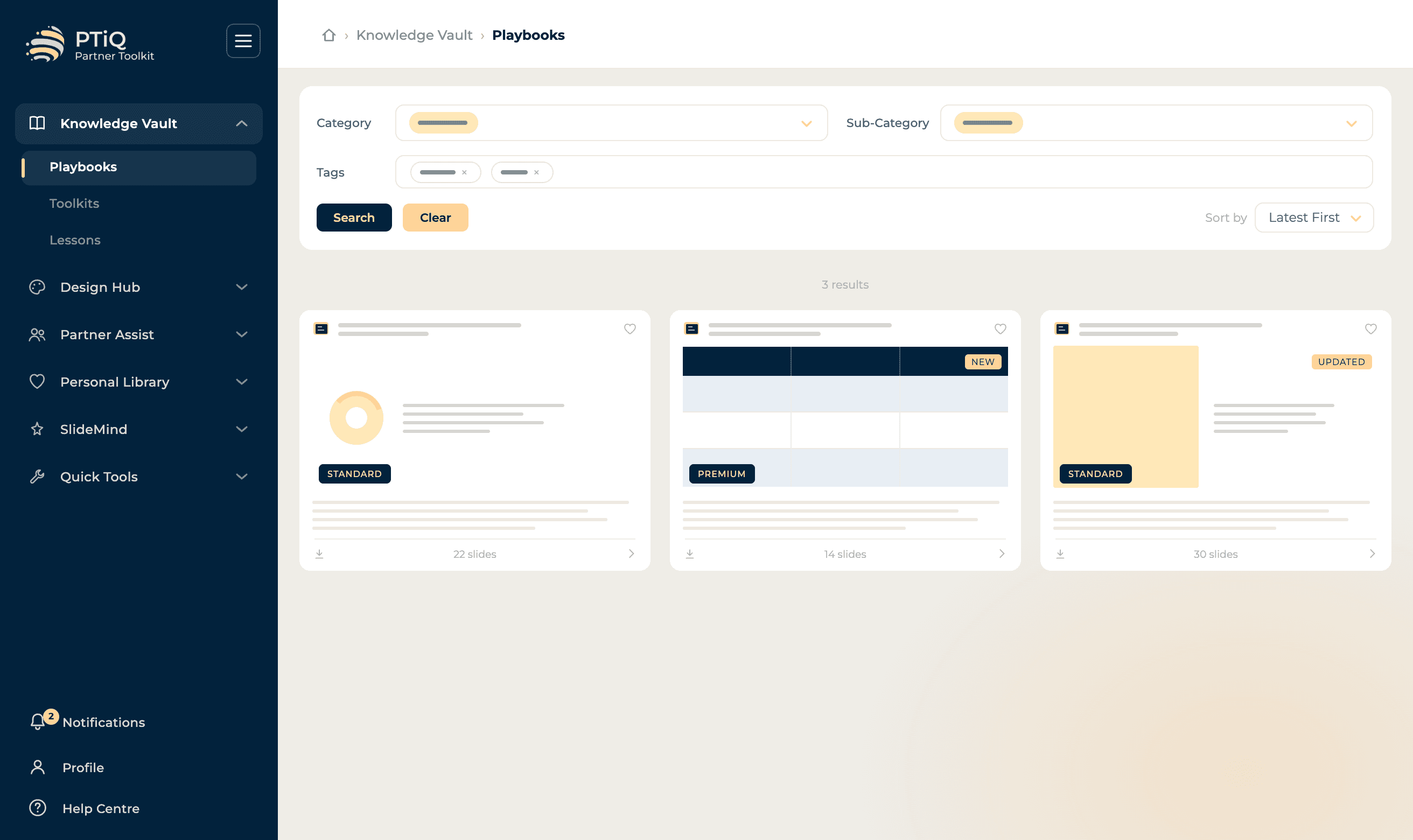
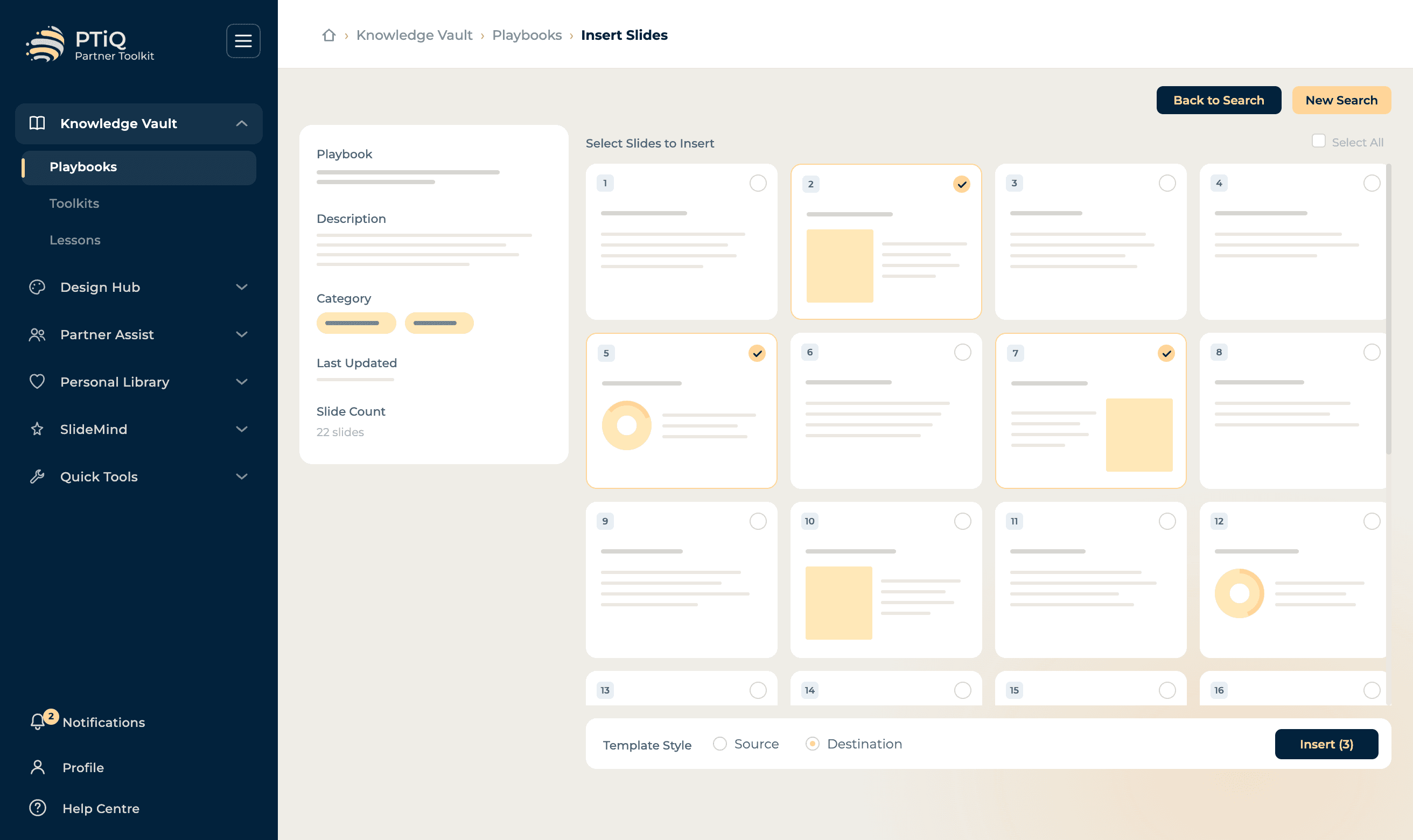
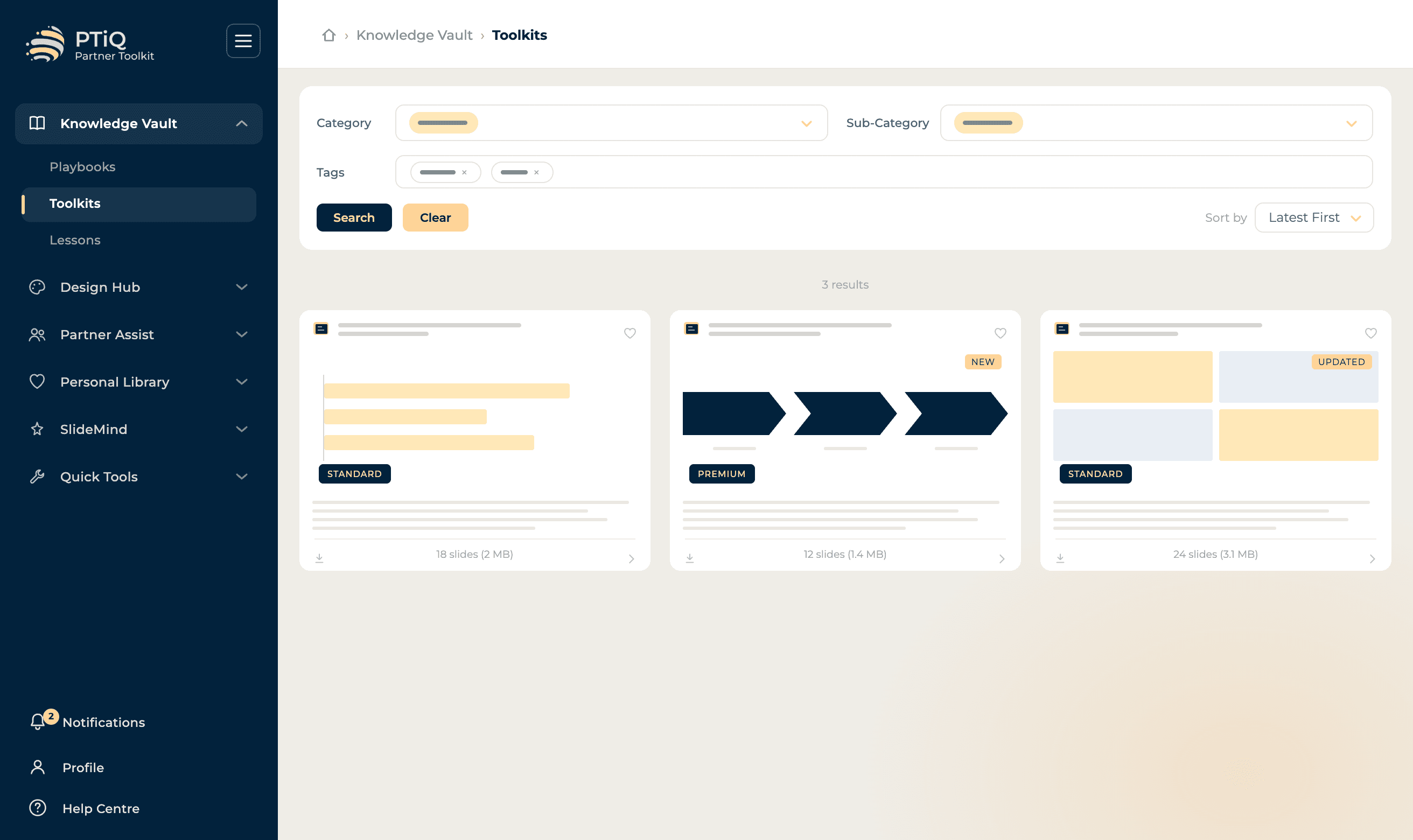
Browse Playbooks
Search 100+ consulting-grade playbooks by category, industry or framework.

Lessons
Structured learning content designed to sharpen your consulting skills. Learn best practices, frameworks, and techniques from experienced practitioners - in bite-sized formats that fit between meetings. Lessons sit alongside the playbooks they relate to, so you can go from theory to live deliverable in a single session, and share key takeaways with your team via a built-in email handoff.
- Strategy fundamentals
- Slide design principles
- Framework application guides
- Industry deep-dives
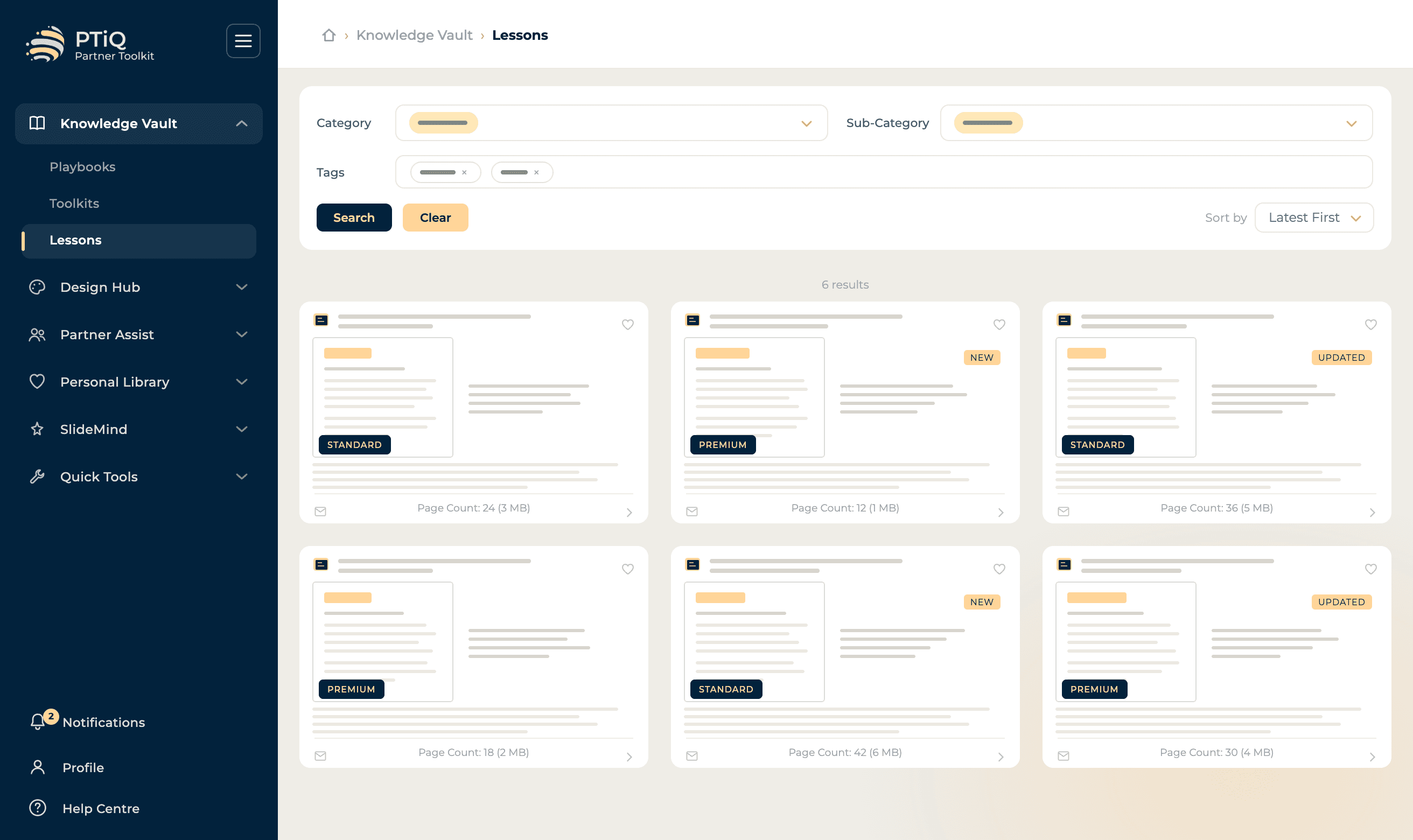
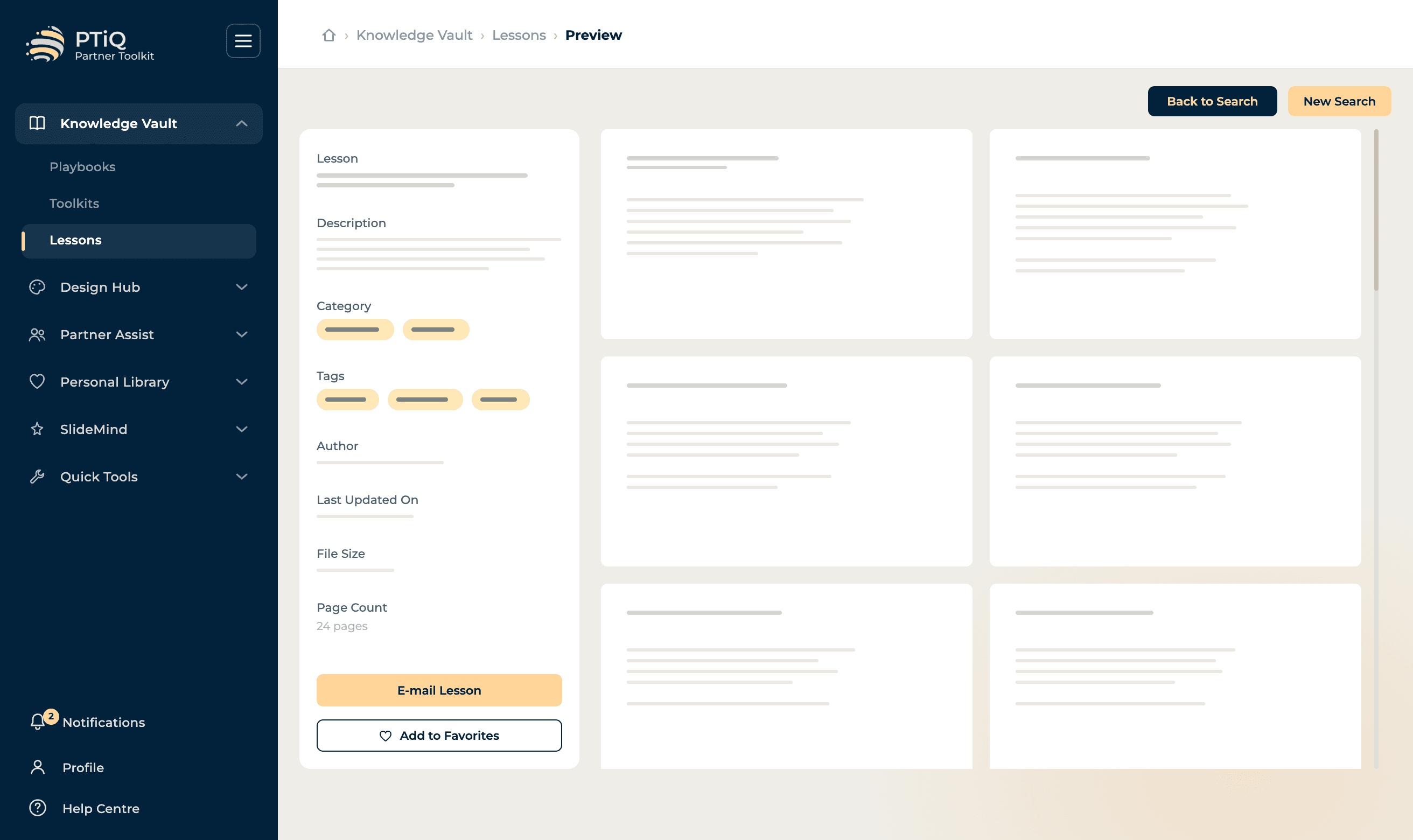
Browse Lessons
Concise reference notes on consulting concepts and best practice.

Slide Templates
3,000+ consulting-grade slide layouts for strategy, operations, finance, transformation, and executive reporting. Built by practitioners who have delivered at the highest levels. Insert templates as the destination style, the source style, or extract individual objects with a click - so you keep your brand intact while accelerating layout work that used to eat entire afternoons.
- Strategy frameworks
- Data visualisation layouts
- Executive summary structures
- Workshop facilitation decks
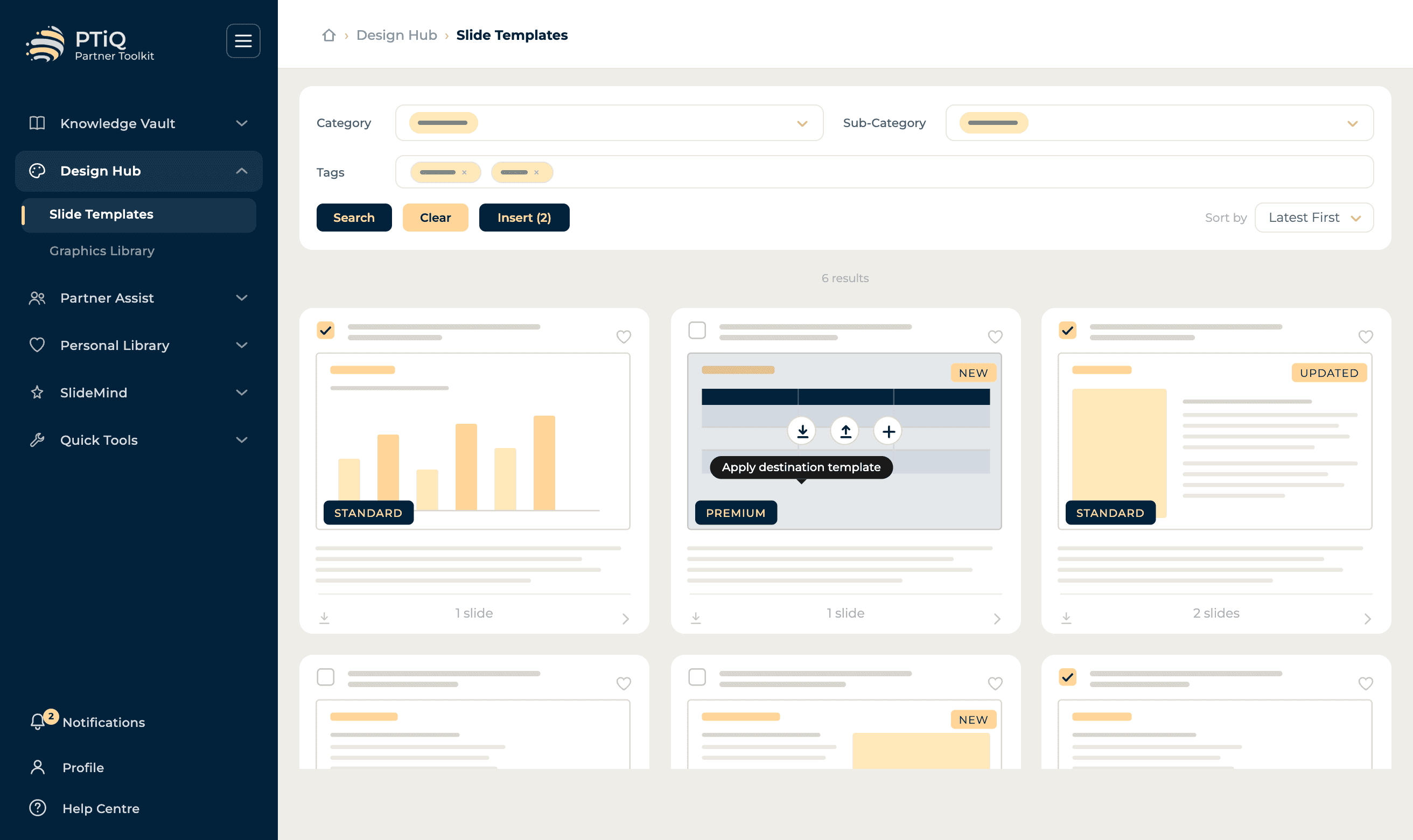
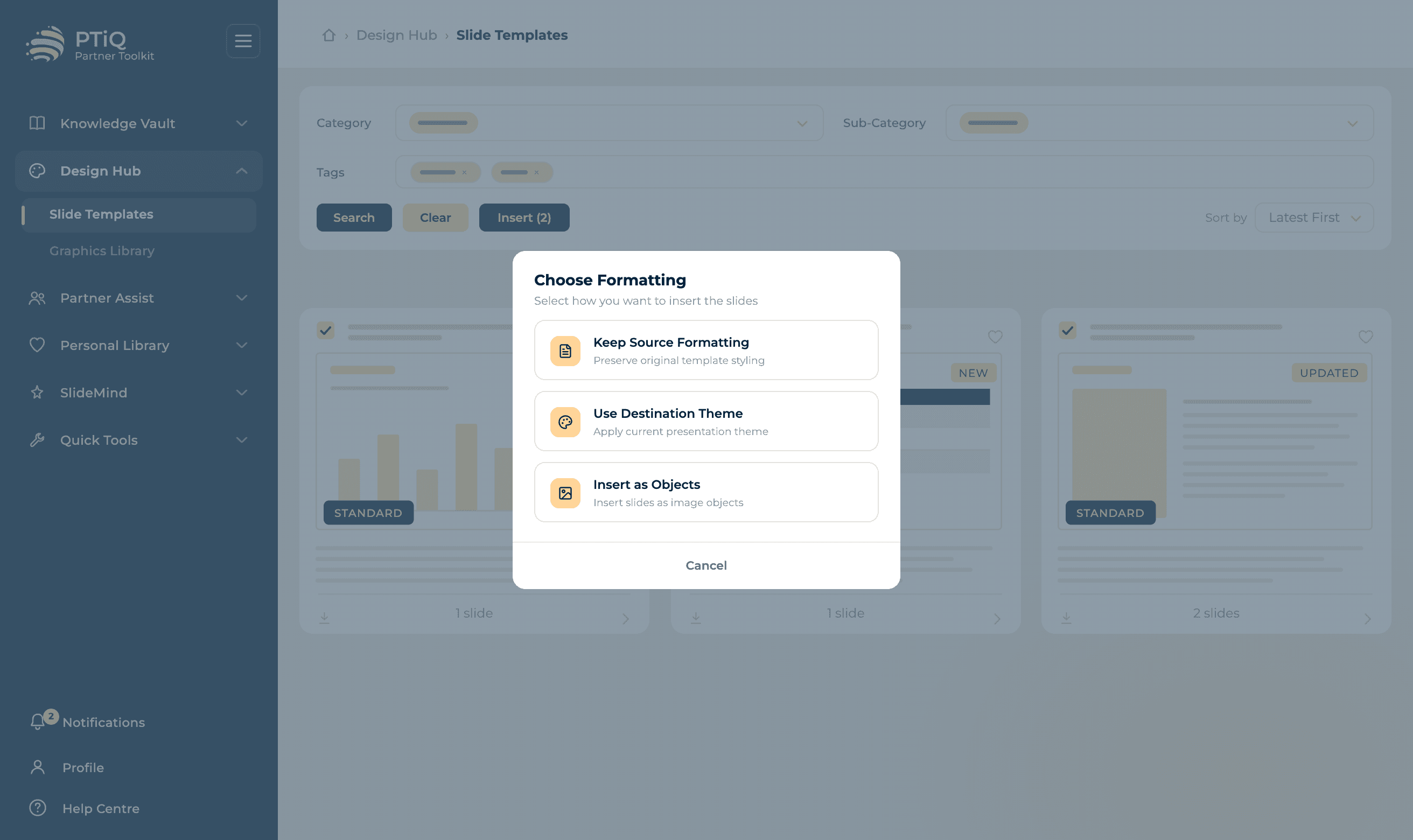
Browse Templates
Search a deep library of layouts by structure, content type or use case.

Graphics Library
Professional-grade charts, diagrams, icons, and visual assets designed specifically for consulting deliverables. Fully editable in PowerPoint - no flattened images, no broken styling. Browse by category, search by tag, and bulk-insert multiple graphics in a single action so your slides come together at the speed of thought.
- Waterfall charts
- Gantt timelines
- Process flows
- Comparison matrices
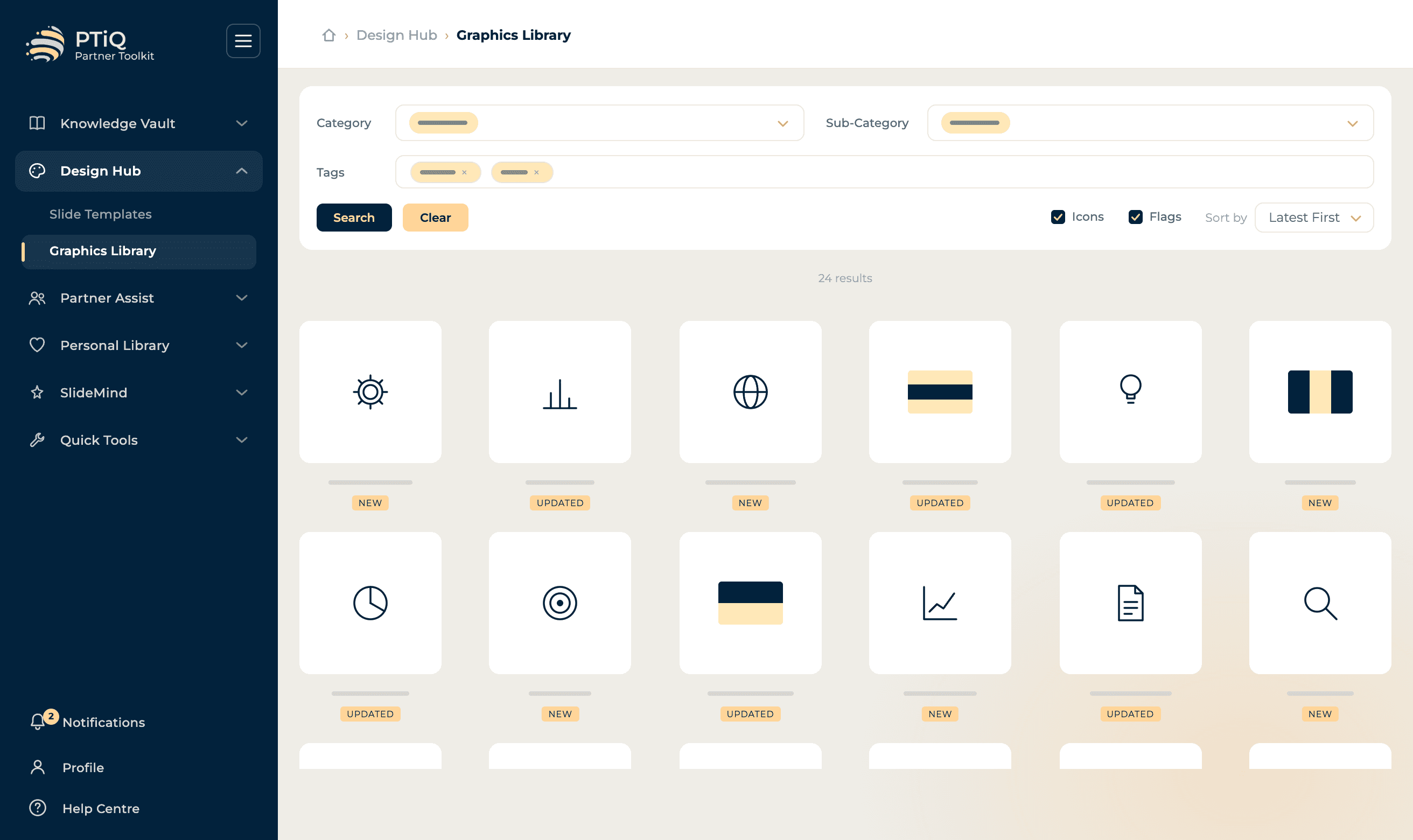
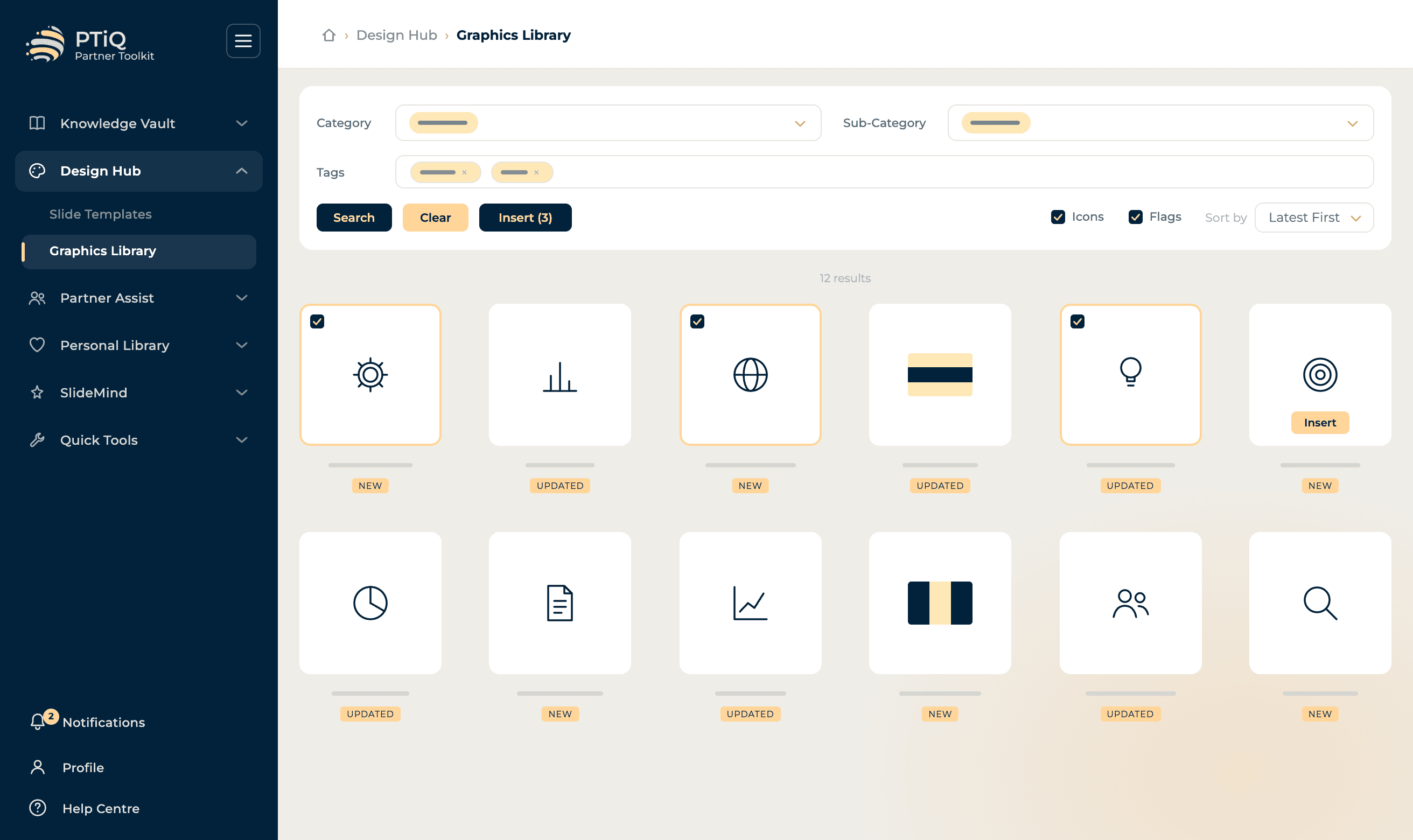
Browse Graphics
Icons, charts, diagrams and flags - all editable and on brand.

Partner Assist
On-demand professional services to support your workflow. Access designers, subject-matter experts, researchers, and analysts when you need them - without leaving PowerPoint. Submit a brief in seconds, track every request with a job ID and live status, and get back polished outputs that drop straight into your deck. Higher tiers unlock priority queueing and discounted rates.
- Slide design services
- Expert advisory
- Research on demand
- Analyst support
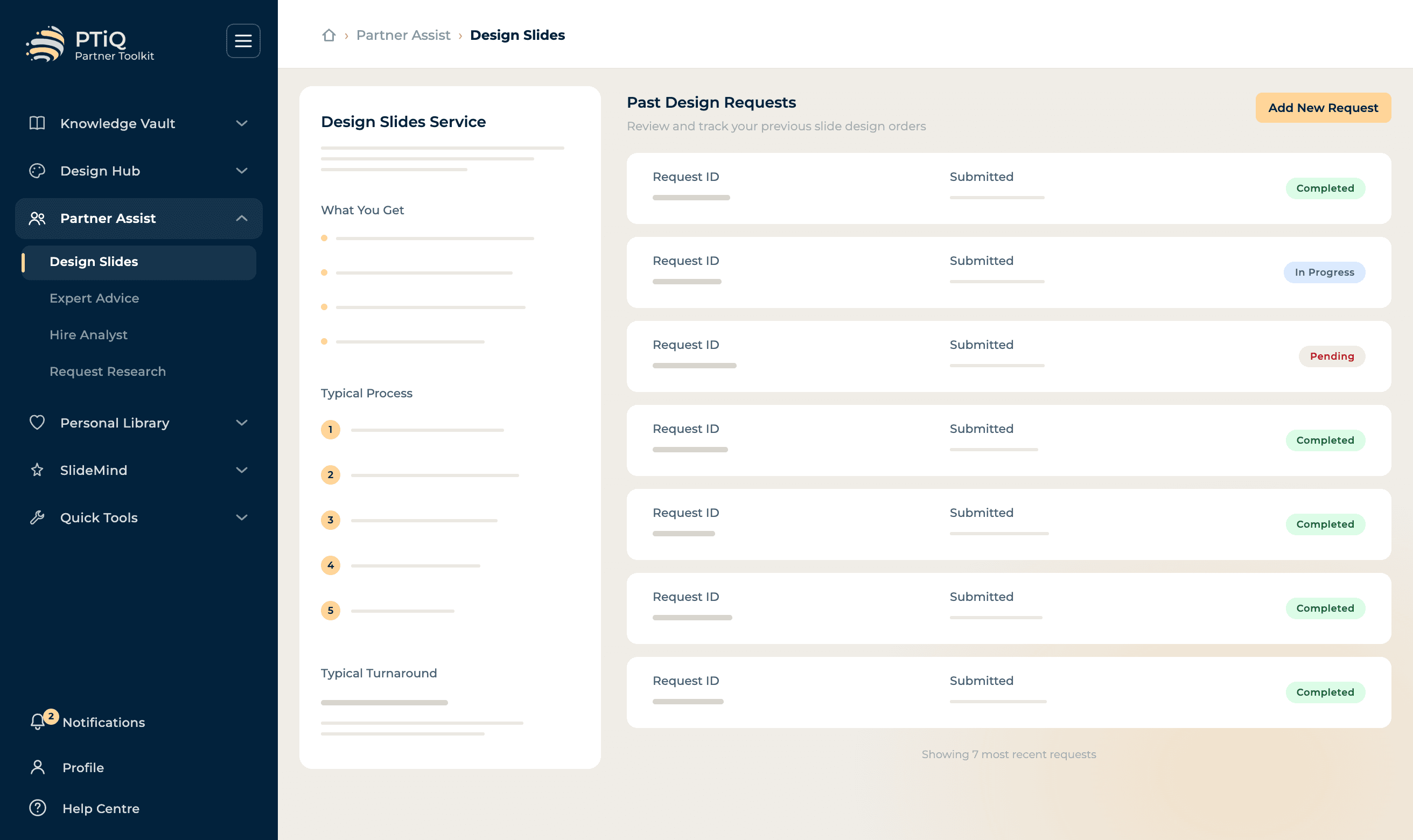
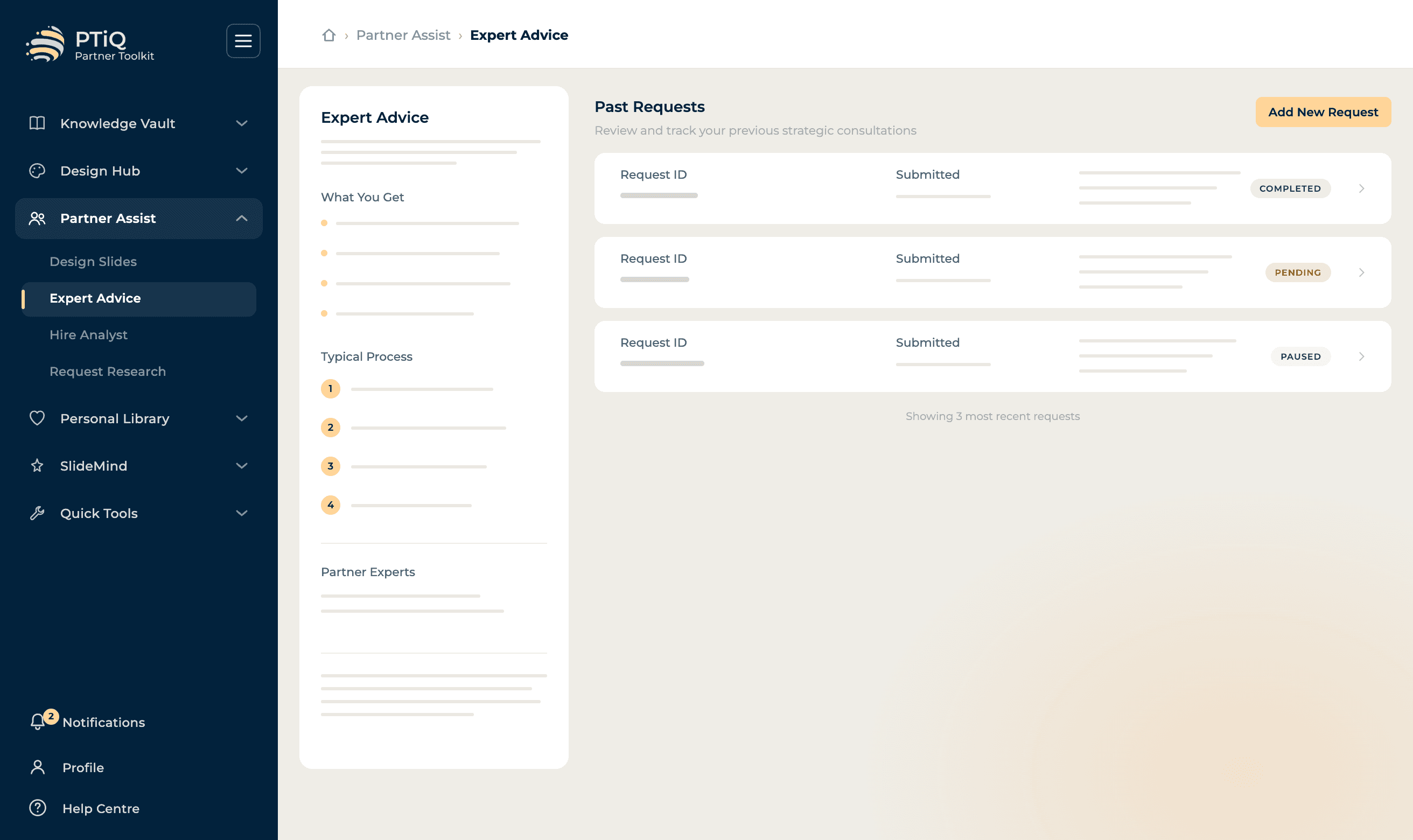
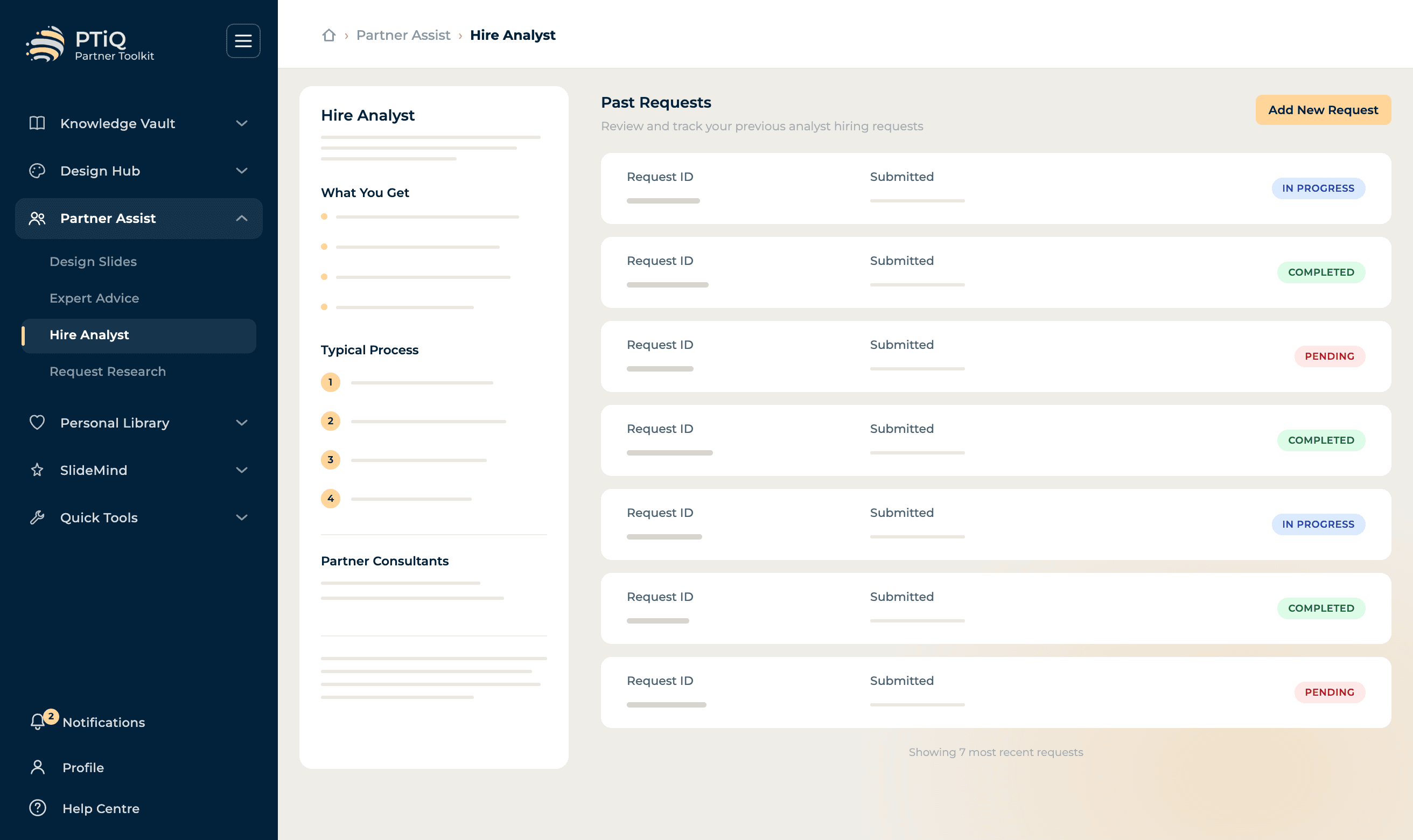
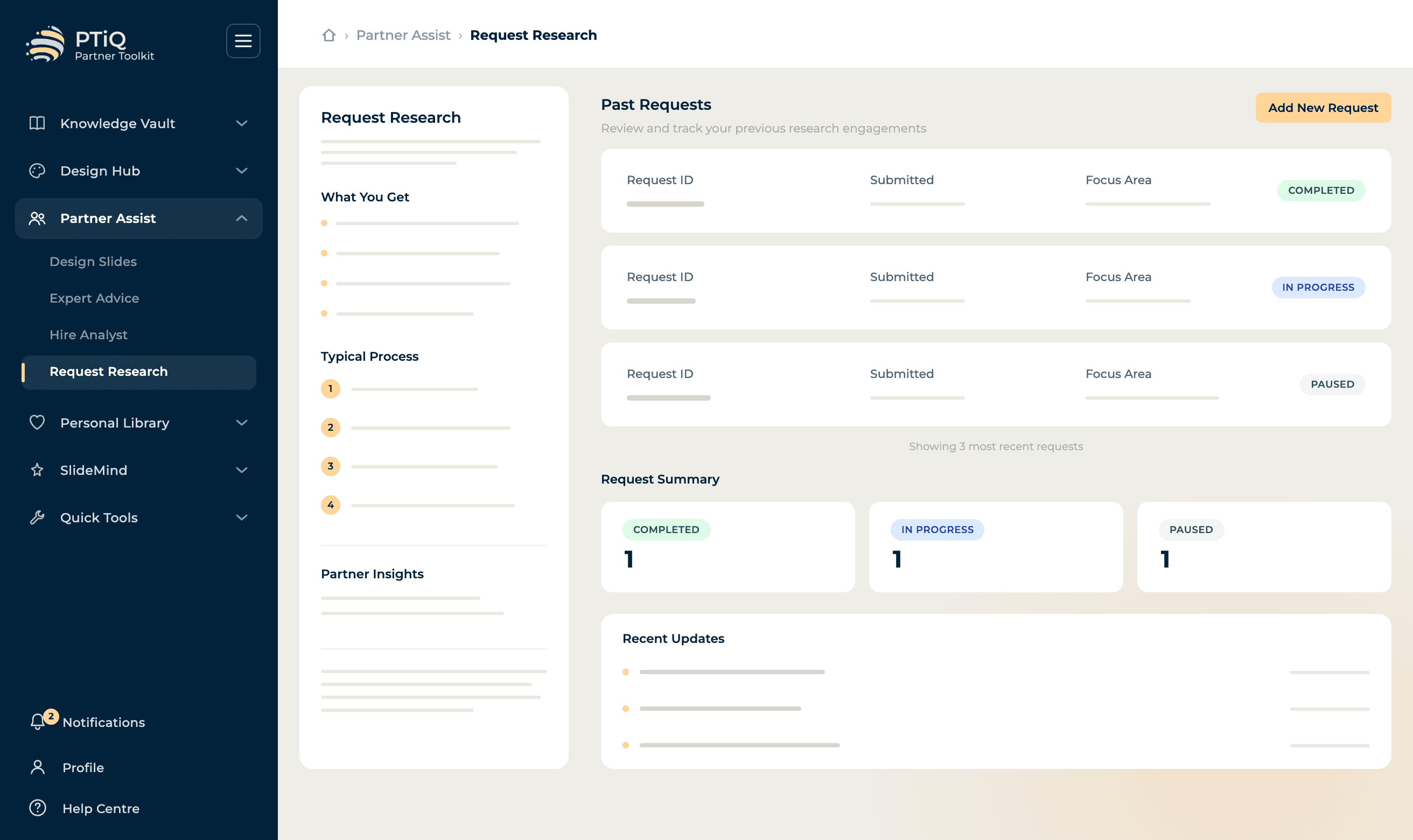
Design Slides
Submit slides with a brief and let professional designers polish them.

Personal Library
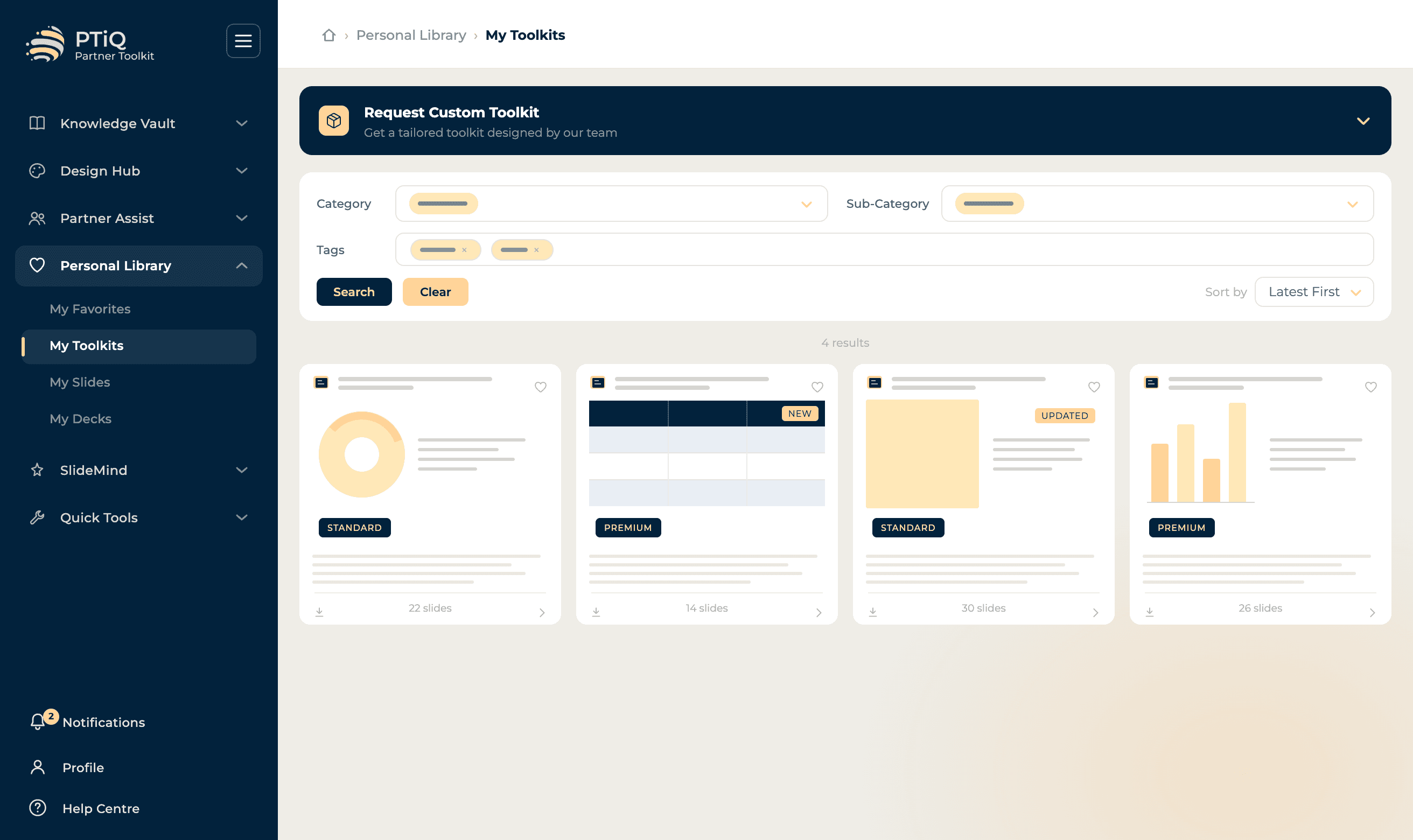
Save your own decks and slides for quick access. Build a personal collection of your best work and favourite templates to reuse across engagements. Tag slides by category and sub-category, organise full decks into custom toolkits, and pull anything back into a new deck in two clicks - turning your past work into compounding leverage on every new project.
- Save favourite slides
- Upload your own decks
- Custom toolkit builder
- Quick-access collections
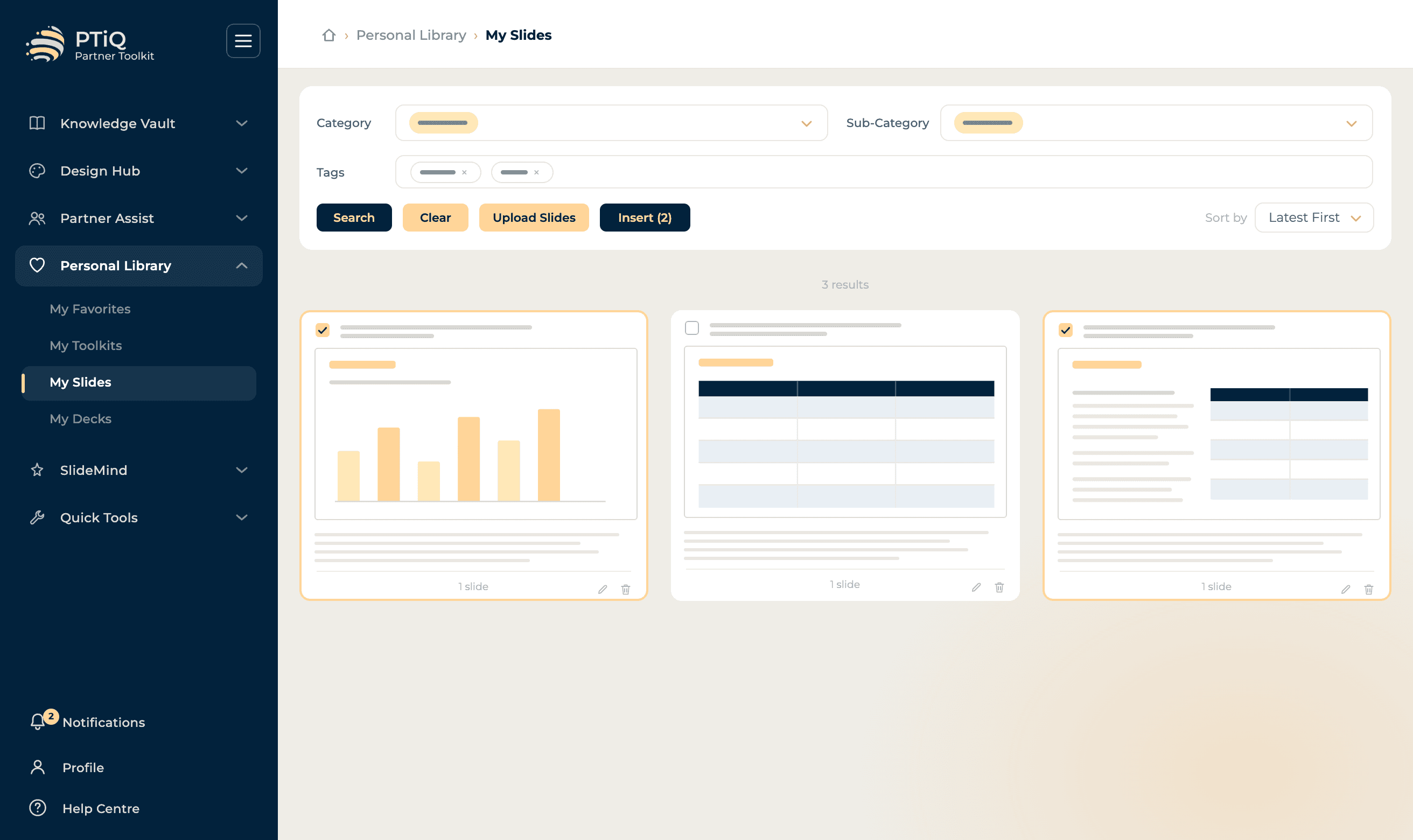
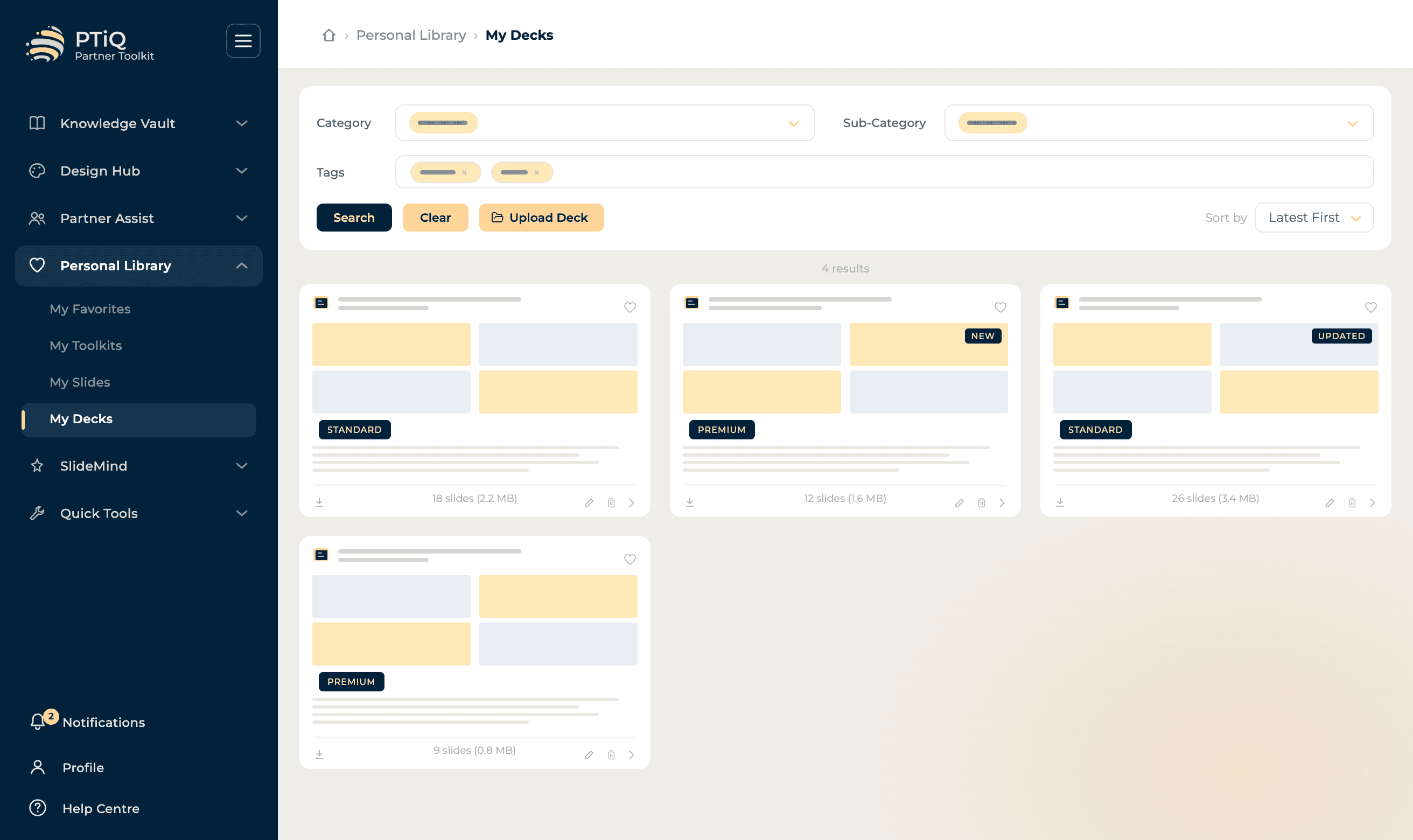
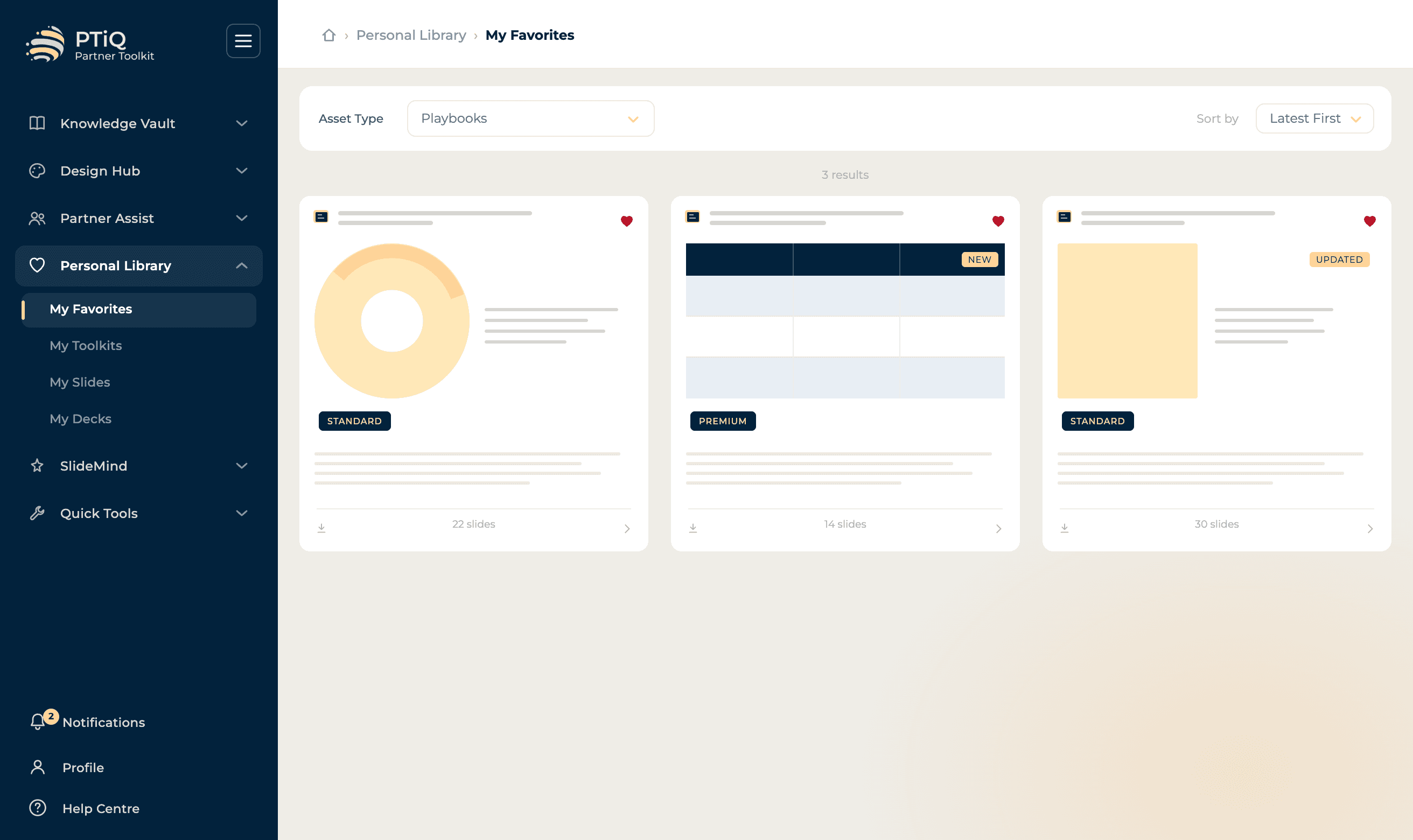
My Slides
Save your best slides with tags and pull them into any deck.
3,000+ templates across every consulting discipline.
Browse by use case, industry, or framework type. Every template is built to consulting standards.
Strategy
480+ templates
Operations
420+ templates
Finance
360+ templates
Executive
310+ templates
Transformation
540+ templates
Data & Analytics
290+ templates
Workshop
260+ templates
Governance
340+ templates
Pre-curated, consulting-grade decks - ready to deploy.
Battle-tested frameworks and structured methodologies that professionals use to dovetail directly into live engagements. Each playbook is a complete, ready-to-deliver file - not a loose collection of slides.
Strategy & Planning
22 playbooksEnd-to-end strategic planning frameworks, from market entry to portfolio optimisation.
Due Diligence
16 playbooksComprehensive diligence packs for commercial, operational, and financial assessments.
Transformation & Change
18 playbooksStructured change management and transformation delivery toolkits used across global programmes.
PMO & Governance
14 playbooksProject and programme governance frameworks designed for steering committee-level reporting.
Stakeholder & Comms
12 playbooksStakeholder mapping, engagement plans, and communication strategy toolkits for complex environments.
Industry-Specific
24 playbooksSector-tailored playbooks for financial services, healthcare, technology, and public sector.
Continuously updated: New playbooks and toolkits are added and existing ones refined on a regular monthly basis, ensuring your library stays current with the latest frameworks and methodologies.
Deploying PTiQ across a whole organization?
Beyond individual plans, we build tailored corporate deployments: your own content library, discounted on-priority Partner Assist services, and a UI shaped around how your teams work.
Your company asset library
Host your firm's own templates, playbooks and brand assets in a private, centrally-governed library, available to every seat.
Partner Assist, on priority
Discounted, on-priority access to all four Partner Assist services: Design Slides, Expert Advice, Hire Analyst and Request Research.
A customized experience
The PTiQ add-in itself customized to your brand and configured to how your teams actually work - not just the ribbon, the whole experience.
Hear from our users
“Honestly, I was sceptical at first - another PowerPoint add-in? But the playbooks alone saved me an entire weekend on a client proposal. The frameworks come with real context, not just empty diagrams.”
Consultant at Big 4
Strategy Consulting · Global Firm
“We gave PTiQ to our new joiners and the difference was immediate. Their slides went from needing three rounds of rework to being client-ready on the first pass. That never happened before.”
Managing Director at Big 4
Digital Advisory · Top Tier Firm
“The personal library is what got me hooked. I used to waste 20 minutes every time digging through old folders for a slide I knew existed. Now I just pull it in from PTiQ. Simple but genuinely useful.”
Partner at Top-Tier Firm
Management Consulting · Strategy Practice
Get the PTiQ add-in
Two ways to run it inside PowerPoint. The Side Pane works on Windows and Mac; the Ribbon Add-in is Windows only.
Side Pane
- 1Open Add-ins on the Home tab
- 2Search the Store for “PTiQ”
- 3Click Add to install
- 4Open PTiQ from the Home tab
Windows 10+ or macOS 12+ · Microsoft 365
Ribbon Add-in
- 1Download the installer and run it
- 2Follow the setup prompts
- 3Open PTiQ from its ribbon tab
Windows 10+ · PowerPoint desktop · ~12 MB
Compare plans in detail
Every plan includes access to PTiQ™ core templates. Choose the tier that fits your workflow.
| Features |
|---|
Partner Assist-All services are quoted separately. Upon receiving your request, a detailed quote outlining scope, deliverables, timelines, and fees will be shared. Work commences only after you accept the quote and agree to the payment terms.
Ready to build better slides?
Join thousands of professionals who have already transformed the way they build presentations.
What's coming to PTiQ
Features and improvements we're actively building.